
Computer Vision with Python
An introduction to computer vision and license plate recognition with Python, OpenCV, and EasyOCR.
Introduction
Today we’ll explore computer vision in Python and some of its applications, such as ANPR (automatic number plate recognition). This will be a basic introduction: the subject is broad, and it isn’t a field I’ve worked in much, so I hope we all learn something from this article.
In a future installment, I’d like to apply this to automatically solving fairly simple CAPTCHAs. I tried that some time ago without looking closely at each step, and I think it could be interesting.
Let’s get started.
What is computer vision?
Broadly speaking, computer vision consists of techniques and methods that let a computer simulate our sense of sight. Algorithms extract information from images, process it, and act on the results.
For this small demonstration, we’ll use Python and several libraries, particularly OpenCV, which provides many functions for working with computer vision.
OCR
Optical Character Recognition extracts text from an image. The OCR process can be divided into these stages:
- Binarization: converting the image to black and white. Many algorithms work with binary images containing just two colors; OpenCV is no exception.
- Line and word segmentation: isolating individual words.
- Character recognition and pattern matching: comparing the extracted characters against a database. Better reference data produces better results.
Fortunately, libraries such as Tesseract and EasyOCR already provide models for recognizing text.
We’ll use EasyOCR, which worked better with numbers than Tesseract in this example.
We can also add preprocessing and postprocessing: removing image noise, normalizing parameters, or constraining the output. For example, we know that a result of 152L PLQ would not be a valid plate in the Spanish format we’re working with.
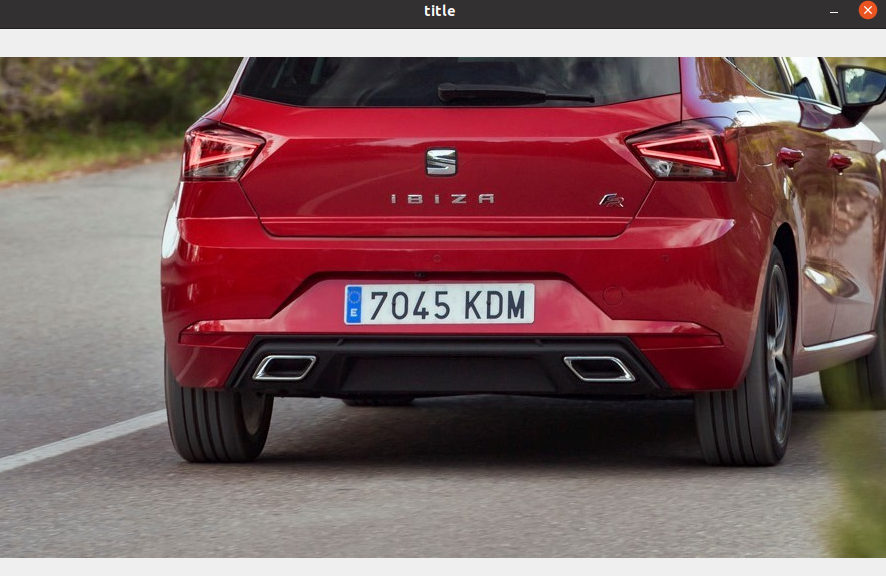
Let’s find an image of a vehicle with a visible license plate: a red Seat Ibiza with a Spanish plate. We deliberately chose a sharp, well-framed image with a clearly visible plate. A frame from a traffic camera won’t always be this suitable, but this will demonstrate the process.
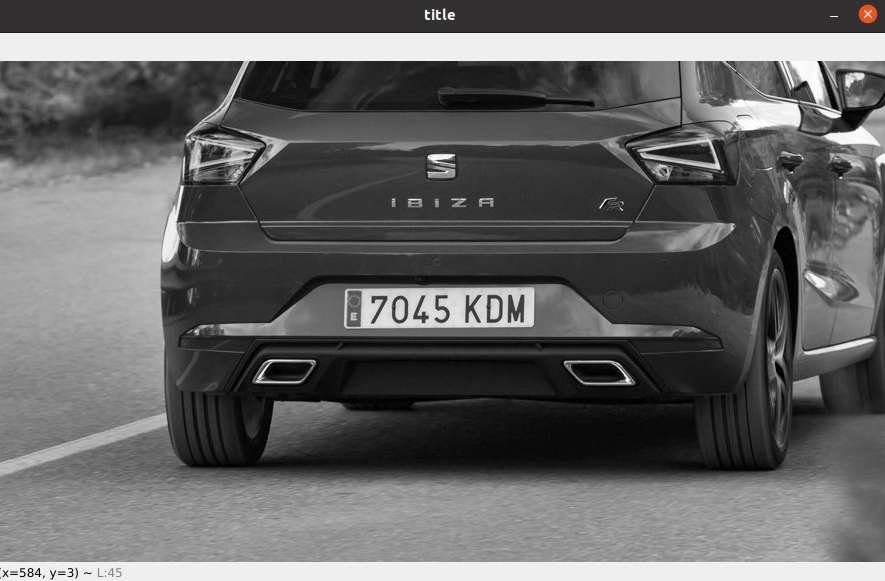
As mentioned in the OCR steps, we first need to convert the image to black and white.

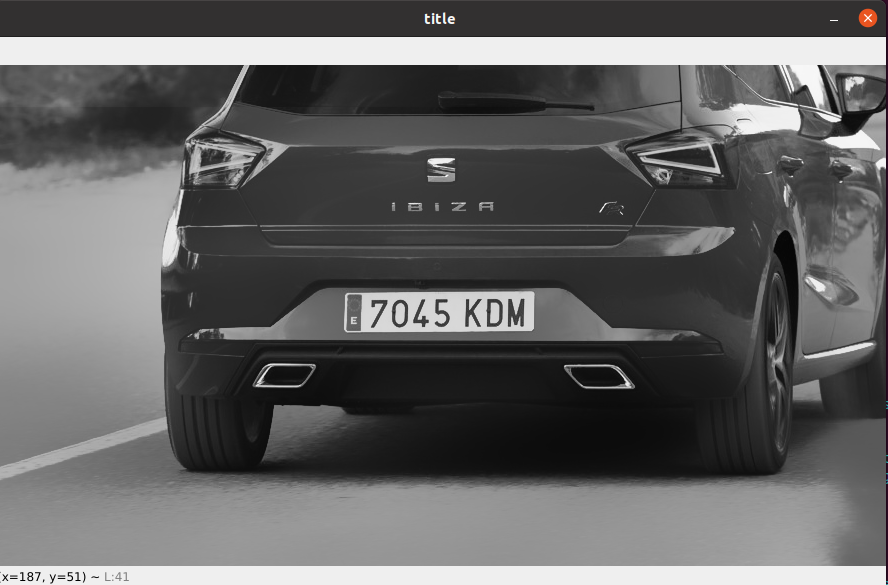
Next, we reduce image noise so the plate is clearer and easier to process.

Now we use the Canny algorithm to extract the image’s edges and separate them from the other pixels, making shapes easier to find.

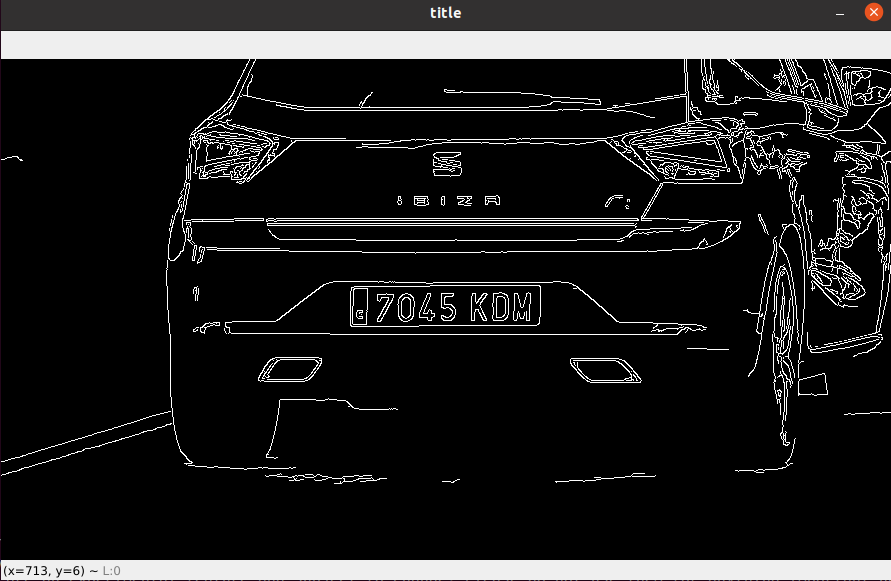
Once we have the contours, we sort them from largest to smallest and look for the first one with four sides: a rectangle or square that will hopefully be our plate.
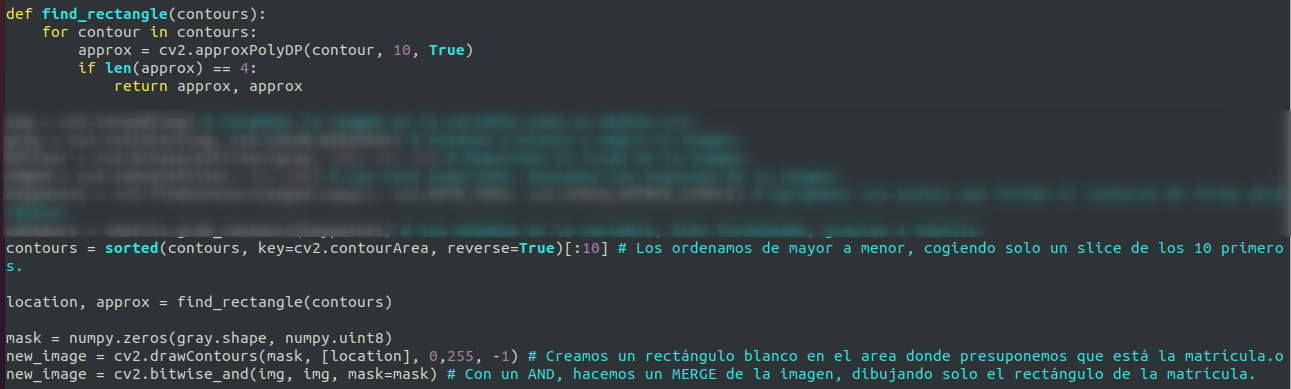
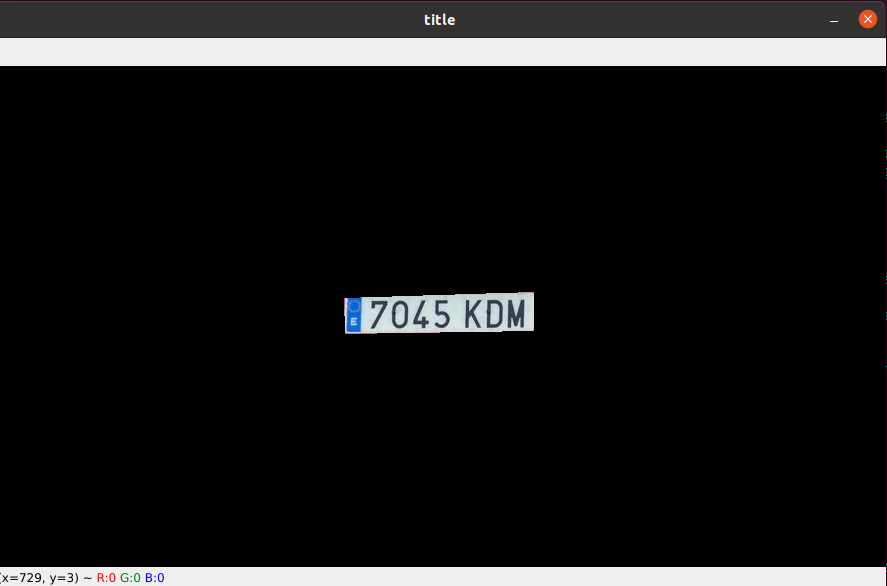
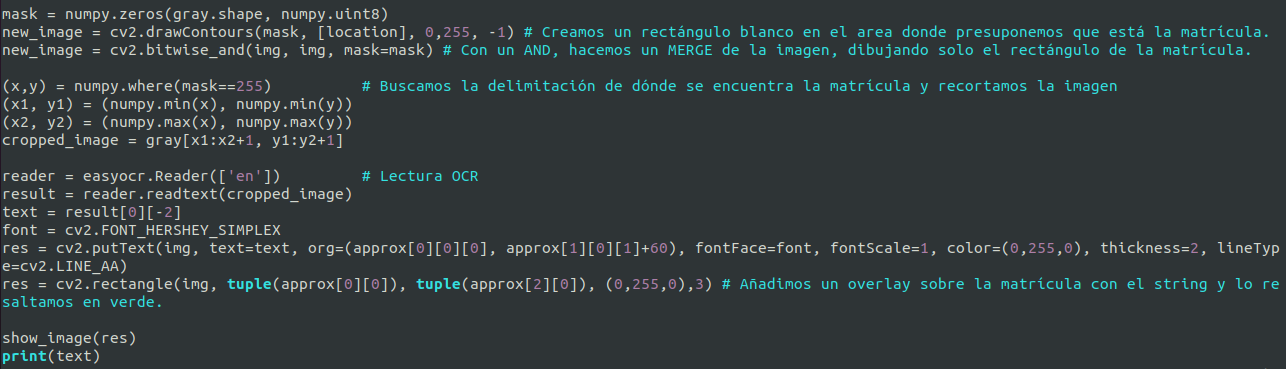
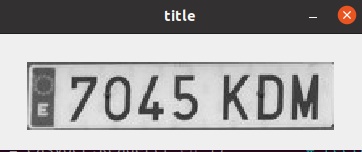
We then create a new image containing only that cropped rectangle and pass it to the OCR engine. Here we use EasyOCR, although Tesseract could also produce the same result.
After reading the plate, we highlight its rectangle in green and write the recognized plate number next to it.
Problems
It works: the plate appears on the image and as a string in the console. But other images may fail. The plate won’t always be the largest four-sided shape, so the program may select a different area and feed the wrong image to OCR. Images containing multiple plates also pose a problem because this approach selects only one.
Outro
I hope this example gives you an idea of the variety of applications this field offers. In future installments, I’d like to explore the subject further and try different approaches and solutions to this problem.