s4ur0n’s Christmas Challenge
Solving the Christmas mini CTF: reconstructing a Kermit transfer and uncovering hidden files.
Starting the challenge
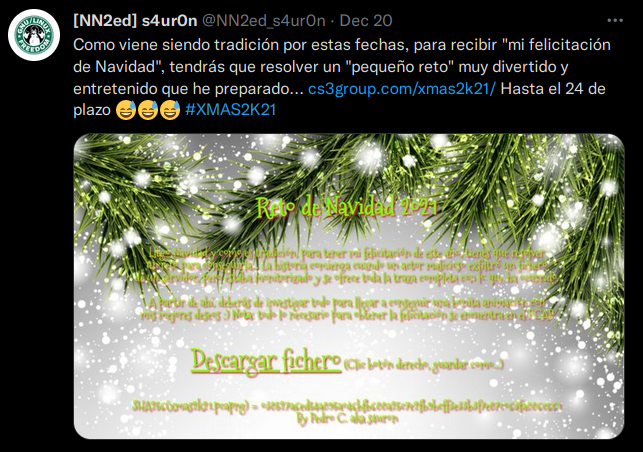
We start with a .pcap containing the network trace of a malicious actor who exfiltrated a file from a server.
Opening it in Wireshark shows the following:
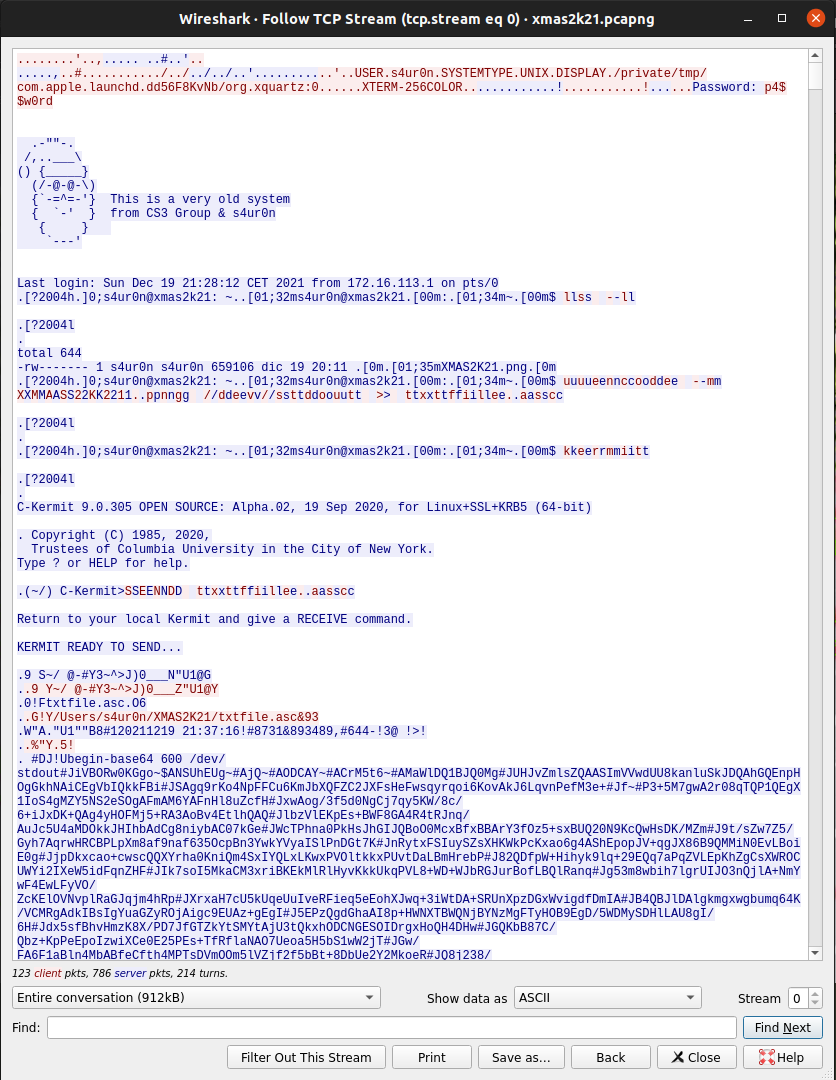
The file was sent using Kermit, communication software from the 1980s that supports file transfers between terminals.
We need to undo the protocol’s transformations to reconstruct the file.
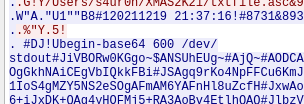
The file is also encoded in Base64, which will help us later.
Time to read the documentation
Before banging our heads against a wall—don’t follow my example—we need to understand the protocol. The Kermit Protocol Manual explains it in detail.
In brief, Kermit makes the bytes sent over the connection ASCII-friendly so they can travel across different systems without being misinterpreted.
The key things to understand when reconstructing our file are:
- The negotiation before data transmission.
- The structure of each packet.
- Repeat count prefixing.
- Window size.
Analyzing the negotiation
Kermit packets have the following structure:
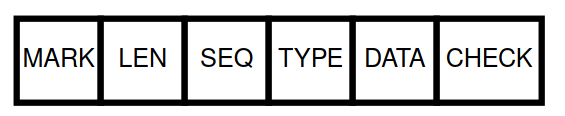
- MARK: marks the start of a packet, usually SOH (
0x01). - LEN: the packet length. Subtract 32 from its encoded value to recover the number; adding 32 makes it ASCII-friendly.
- SEQ: the sequence number used for acknowledgments. Subtract 32 here too.
- TYPE: the packet type: data, ACK, NAK, initialization, end of file, and so on.
- DATA: the part we’re interested in.
- CHECK: error checking.
We need a packet whose TYPE is S, for Send Initiate.
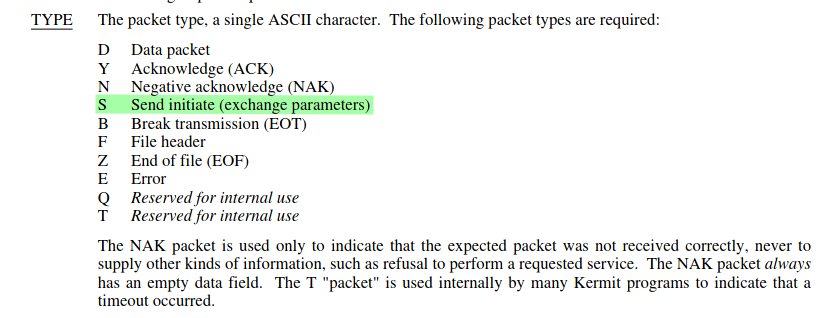
Now that we know the packet structure, we can identify the Send Initiate packet in Wireshark.

The packet start is red, LEN is yellow, SEQ is blue, and TYPE is green. Its value is 0x53, the ASCII character S, visible in the right-hand representation. The negotiation is purple, and the packet terminator, 0d 00, is brown.
The negotiation fields we care about are:
CHKTREPTQCTLCAPAS
The documentation describes them fully, but here’s a brief overview.
CHKT
This selects the error check. Our negotiation uses type 3, a CRC-CCITT check encoded in three bytes. We need to account for those bytes when extracting the file.
REPT
When a character repeats, Kermit can encode AAAA as ~$A. The tilde indicates that the next character gives the repetition count. That count is ASCII-friendly too: $ has ASCII value 36, so subtracting 32 gives four repetitions of A.
QCTL
This identifies the prefix for control character quoting. For example, Kermit sends #J to represent Ctrl+J.
CAPAS
The negotiated capabilities include extended packets and windowing. Extended packets change the header structure, while windowing lets Kermit send multiple packets without waiting for an acknowledgment after each one. We must account for the extended header during extraction.
We’re making progress. These negotiated options change the packet structure as follows:
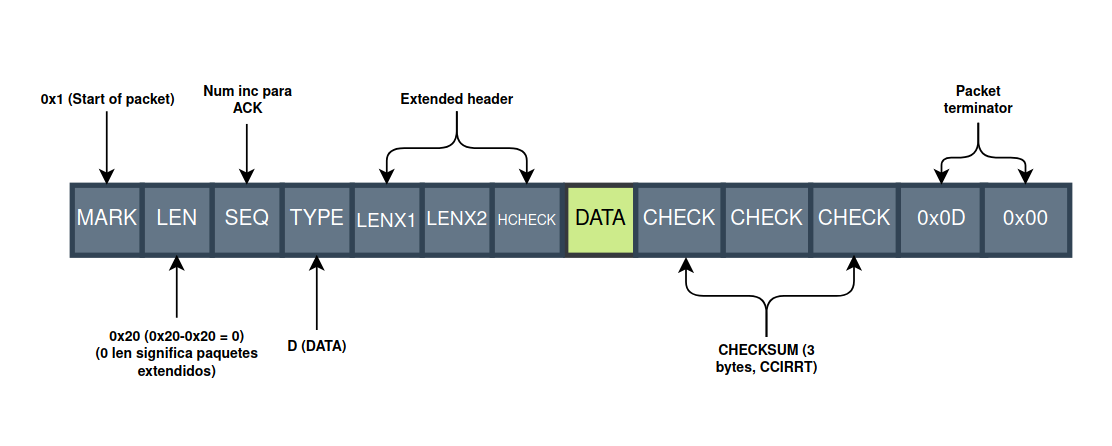
We only want data packets. At each boundary in this capture, we remove the three check bytes before 0x0d 0x00, the two terminator bytes, and the following seven header bytes: 3 + 2 + 7 = 12 bytes.
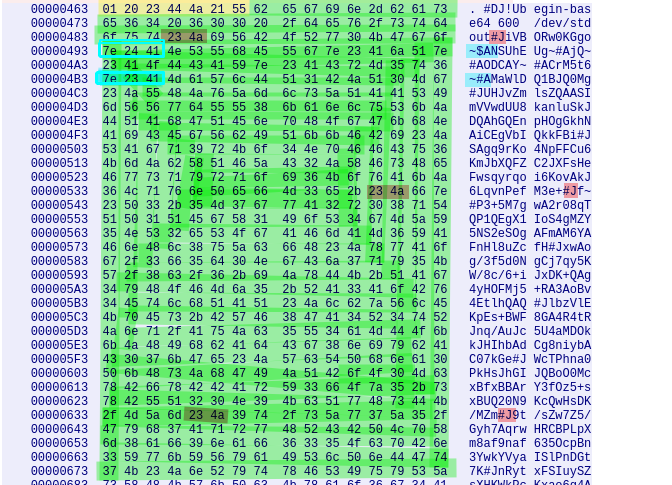
Next we find packets with TYPE D for data and move their contents to the terminal. Yellow marks the Kermit header (MARK, LEN, SEQ, TYPE, LENX1, LENX2, HCHECK); green marks our data. I’ve highlighted repeat counts in blue and escaped control characters in red. Here the latter represent line feeds.
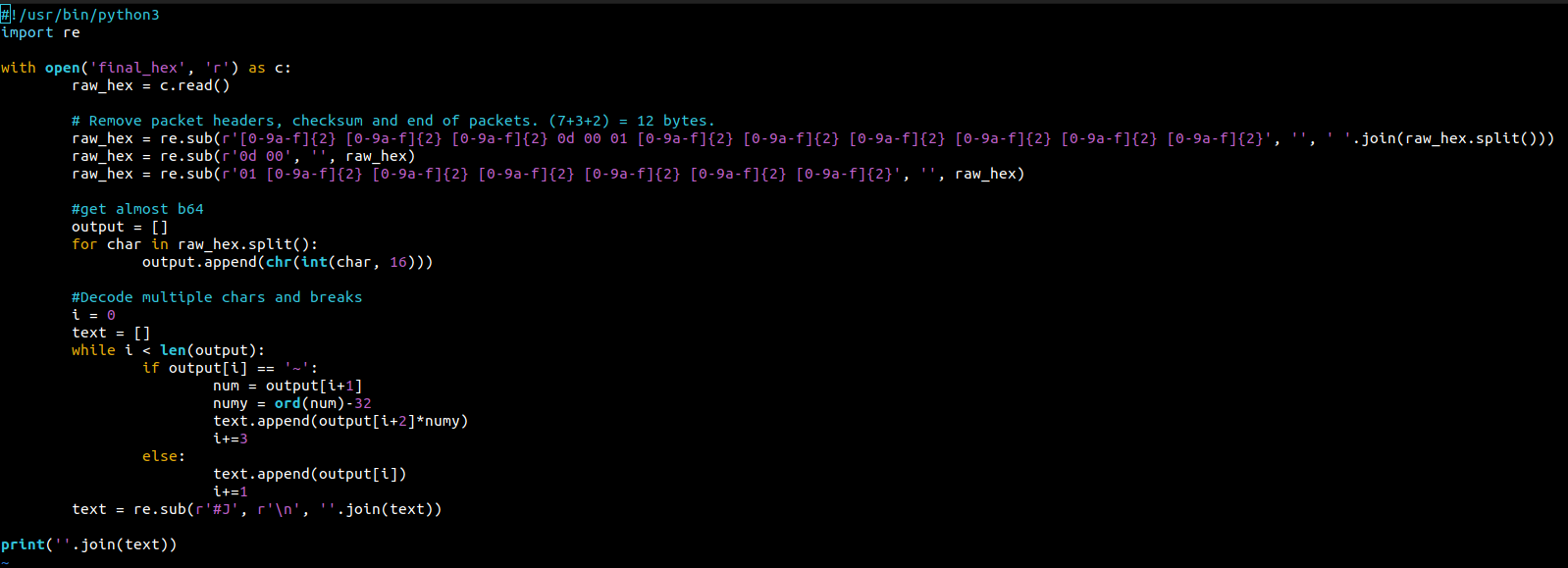
In the terminal, we extract the hexadecimal representation. I wrote a small program to automate the cleanup; its source is on GitHub. It:
- Removes packet headers, accounting for the extended format, checksums, and terminators. At packet boundaries this corresponds to the pattern
0xXX 0xXX 0xXX 0d 00 01 0xXX 0xXX 0xXX 0xXX 0xXX 0xXX. - Converts hexadecimal bytes to ASCII.
- Replaces
#Jwith\nand expands repeat count sequences.
That gives us our image in Base64. We use uudecode to extract it.
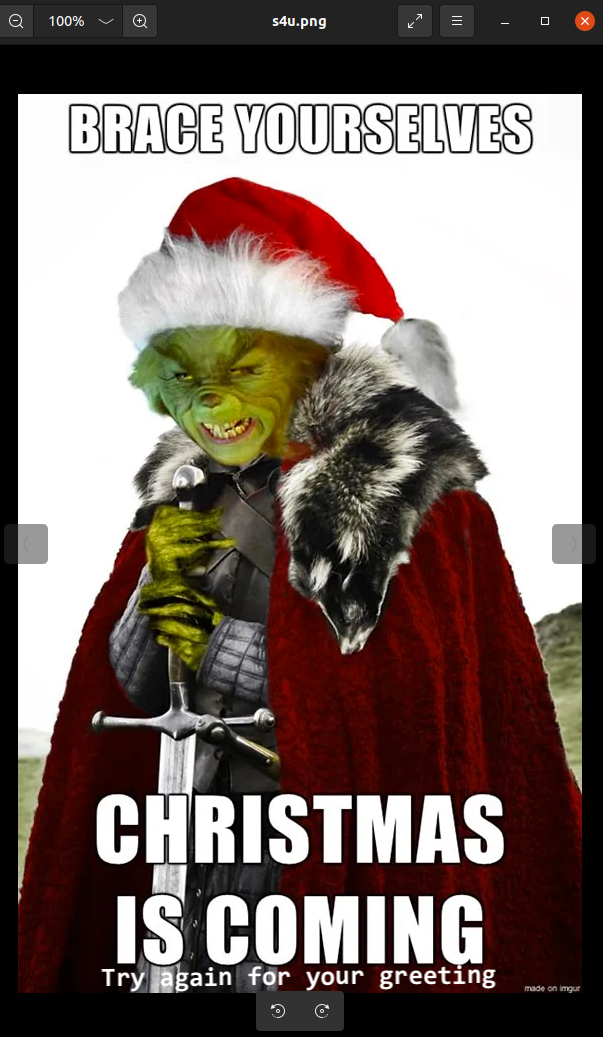
Using binwalk, we extract an .ogg file from the image. When played, it laughs at us.
After examining the spectrogram and least significant bits, we try binwalk again. It identifies a 7z archive—but is it really one?
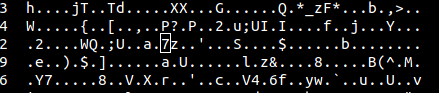
After some reading, we discover that it’s a binary polyglot: a file valid in multiple formats. We can extract it as a 7z archive.
Inside the .cpio archive, we find two files: a text file and an encrypted HTML file.


The text file contains a Christmas carol and suggests the password might be in it.
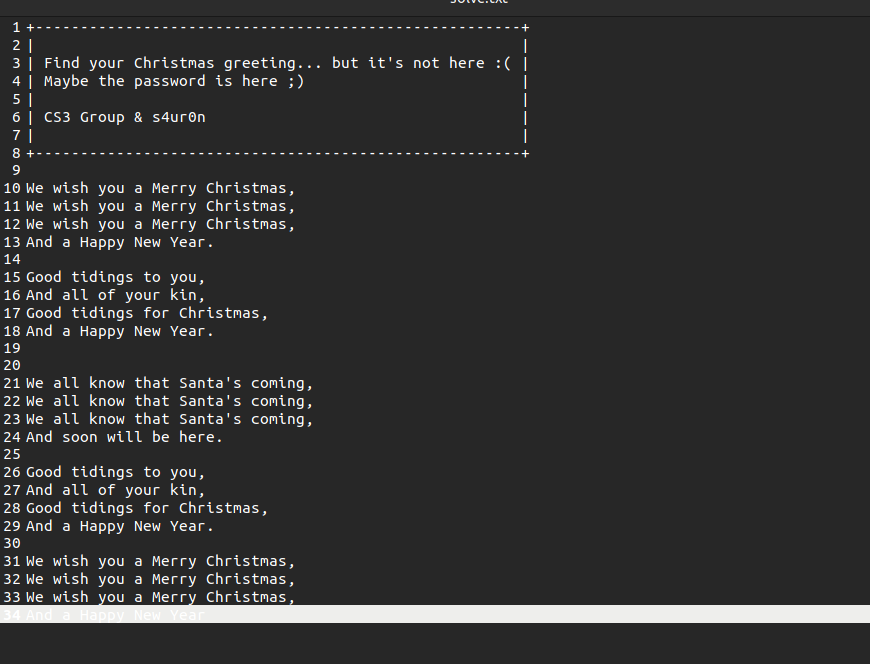
We try the keywords from the text until we find the password: Christmas.

We open the HTML file and…
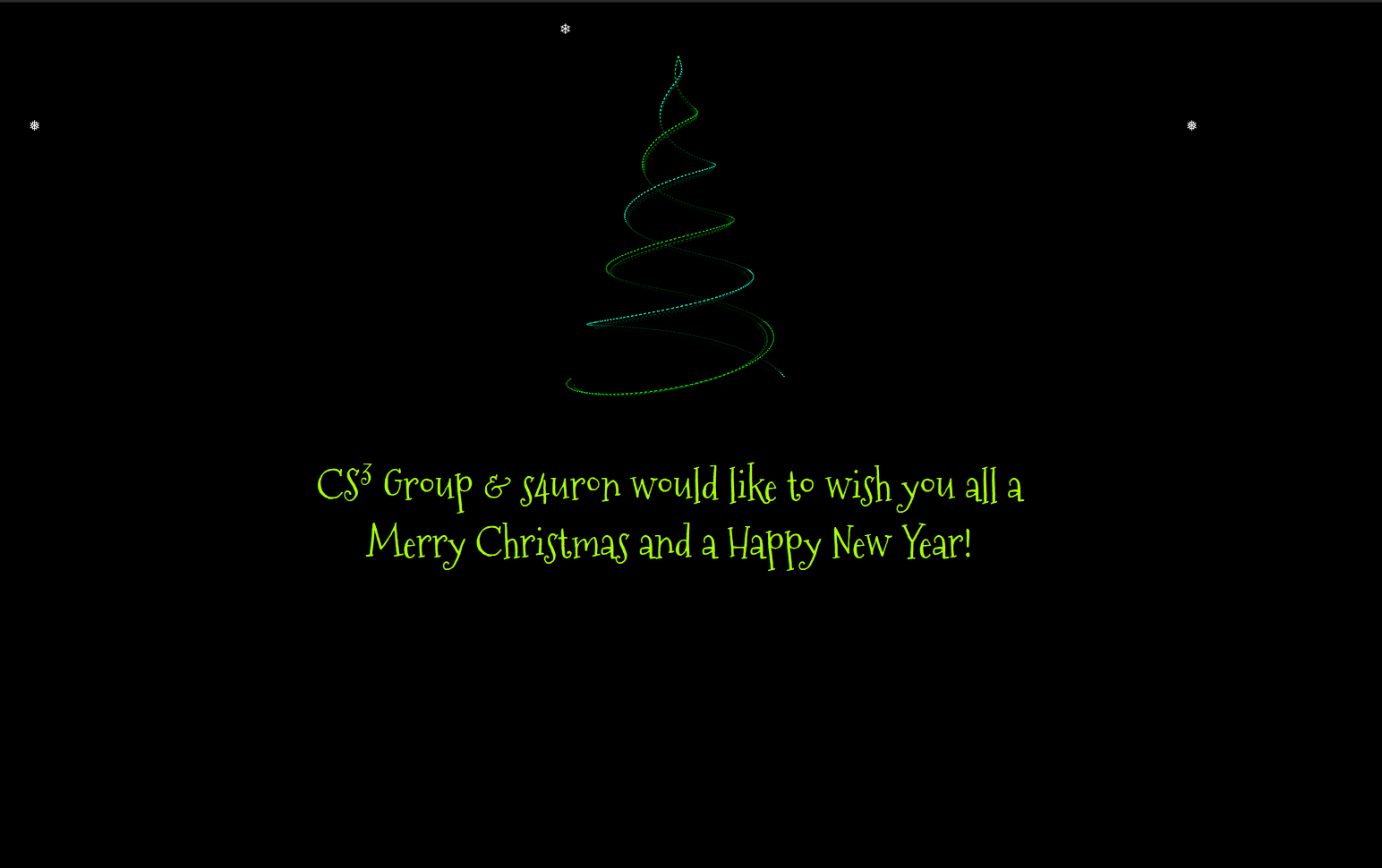
Happy holidays, everyone! And many thanks to @s4ur0n for the challenge!